|
PlottI
|
|
PlottI
|
Predefined colors and palettes included in PlottI.
In ROOT every seperately usable color (namely when you aren't using the palette option) is collected in the TColorWheel. Since the colors are grouped by hue and each segment vary only in their brightness and intensity, I feel that you are supposed to (or at least try) to only use colors with the same modifier in one plot. I therefore rearranged the colors in a way, that you can see all the colors with the same modifier in a palette like way.
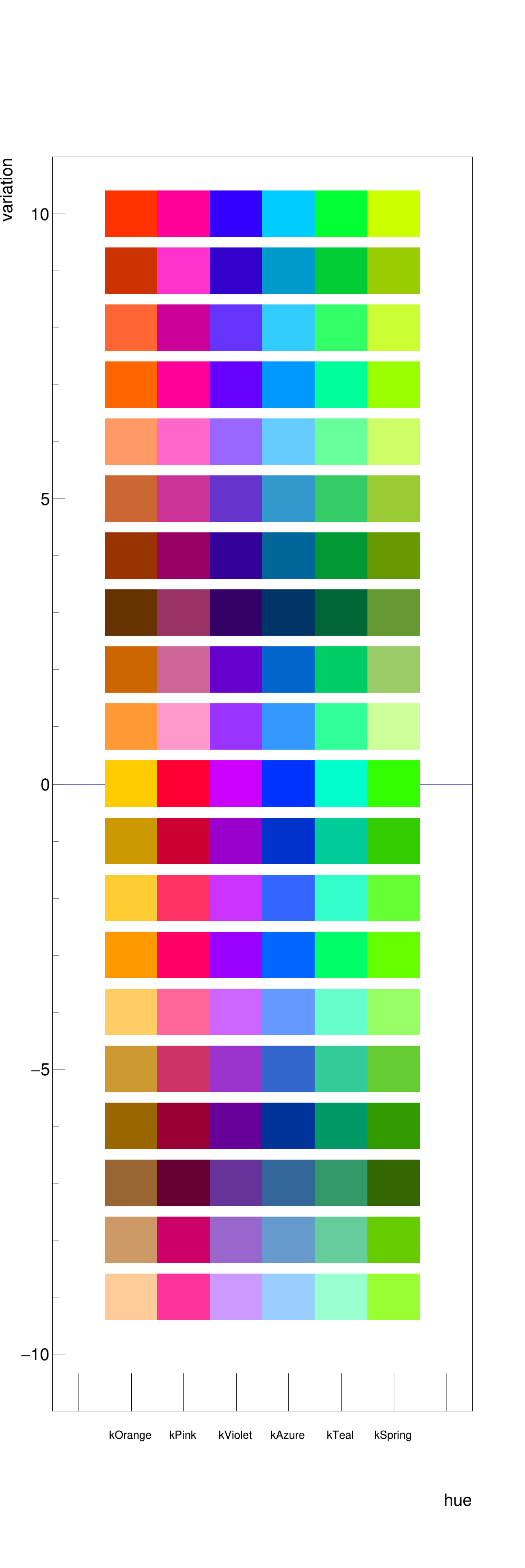
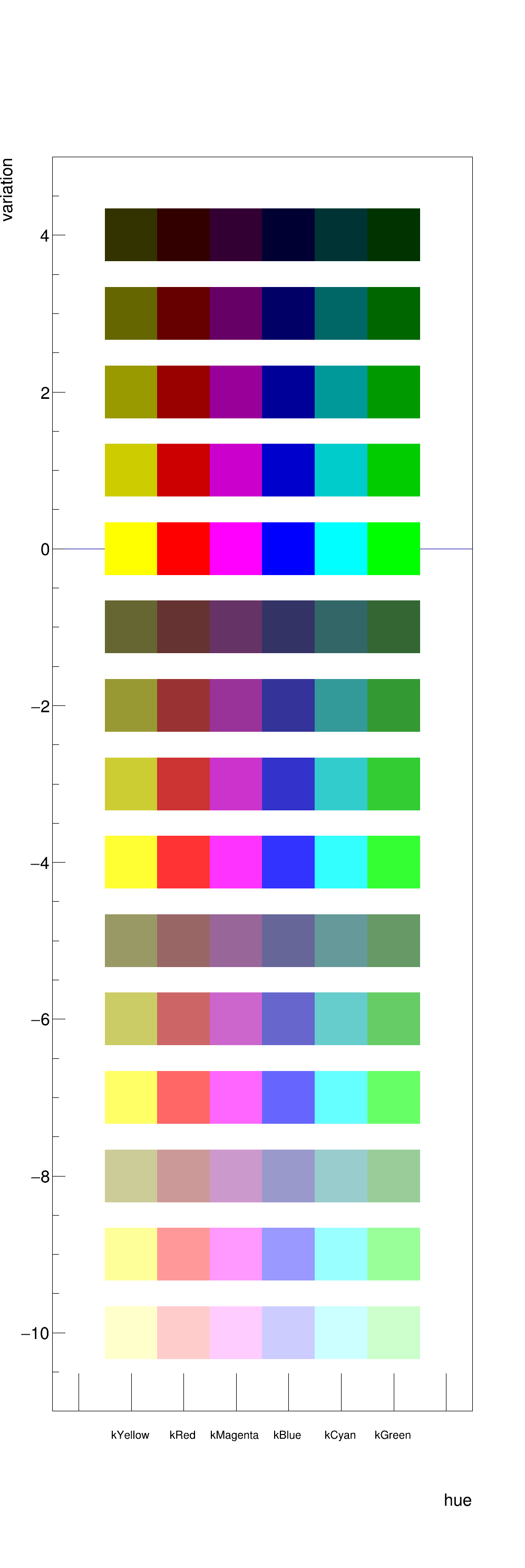
There are also a number of predefined Palettes in ROOT listed in the TColor class documentation. The THistPainter class documentation explains in detail how to automatically pick colors from a palette. It also lists all the different draw options that can be used for Histograms and functions.
Personalised colors can be defined using the color structure. The Constructor takes 3 Float_t numbers between 0. and 1. corresponding to RGB values. The values are given in relation to the maximum value of 255. E.g a blue value of 51 would correspond to a relative value of 51/255 = 0.2.
The structure color will automatically add the new color to the ROOT colors using TColor::GetColor(r, g, b). The corresponding ROOT color index can then be accessed via the index parameter of the structure.
The following colors are already defined in PlottI and can be used individually or in the definition of a color gradient:




Personalised color gradients can be defined using the ColorGradient class. The constructor takes two mandatory arguments:
Optionally you can specify:
The color gradient can be accessed by calling the methods GetPalette() or GetGradient() that will return a vector of type Int_t or Color_t respectively. If you are using the SetPalette() option that PlottI provides you can use the ColorGradient instance directly.
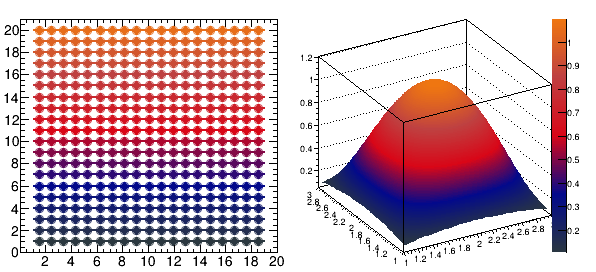
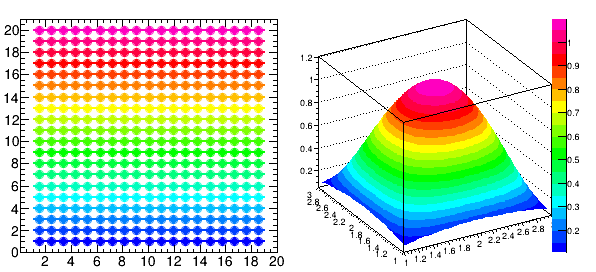
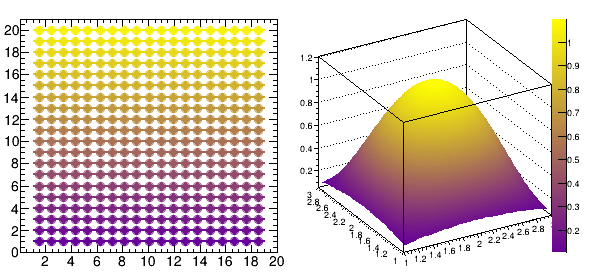
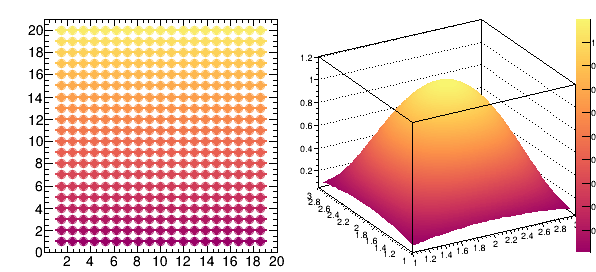
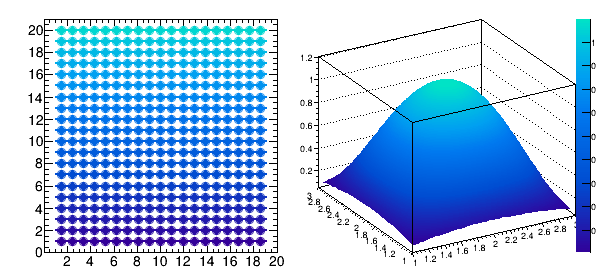
The following color gradients are already included in PlottI:
 1.8.5
1.8.5

